

Hype5 StageA theme that stands on its own — and knows what to do with a season.
Near-monochrome, typographic and quiet about itself, so the posters, the photographs and the company carry the page. Technically independent of the plugin; when Hype5 Theater is active, Stage presents its productions, people, venues and schedule in the same design.
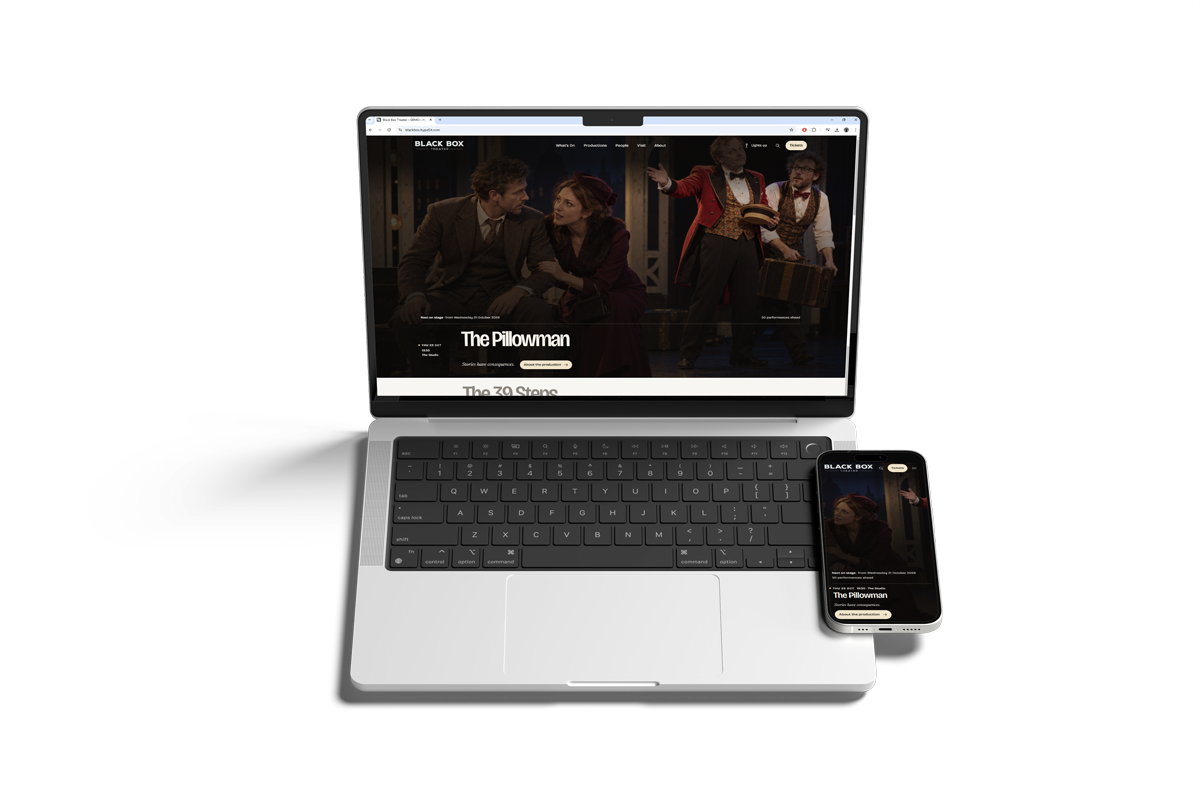
Black Box Theater, as visitors see it.
Pages from the Black Box Theater demo, a fictional theatre built with Hype5 Stage and Hype5 Theater — select one to see it full size.
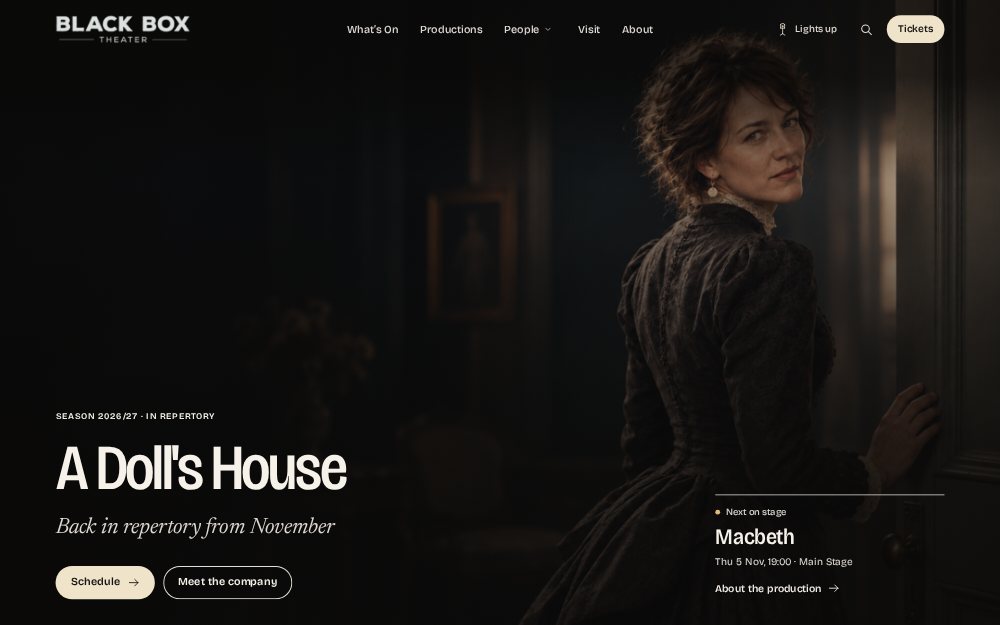 (full size)
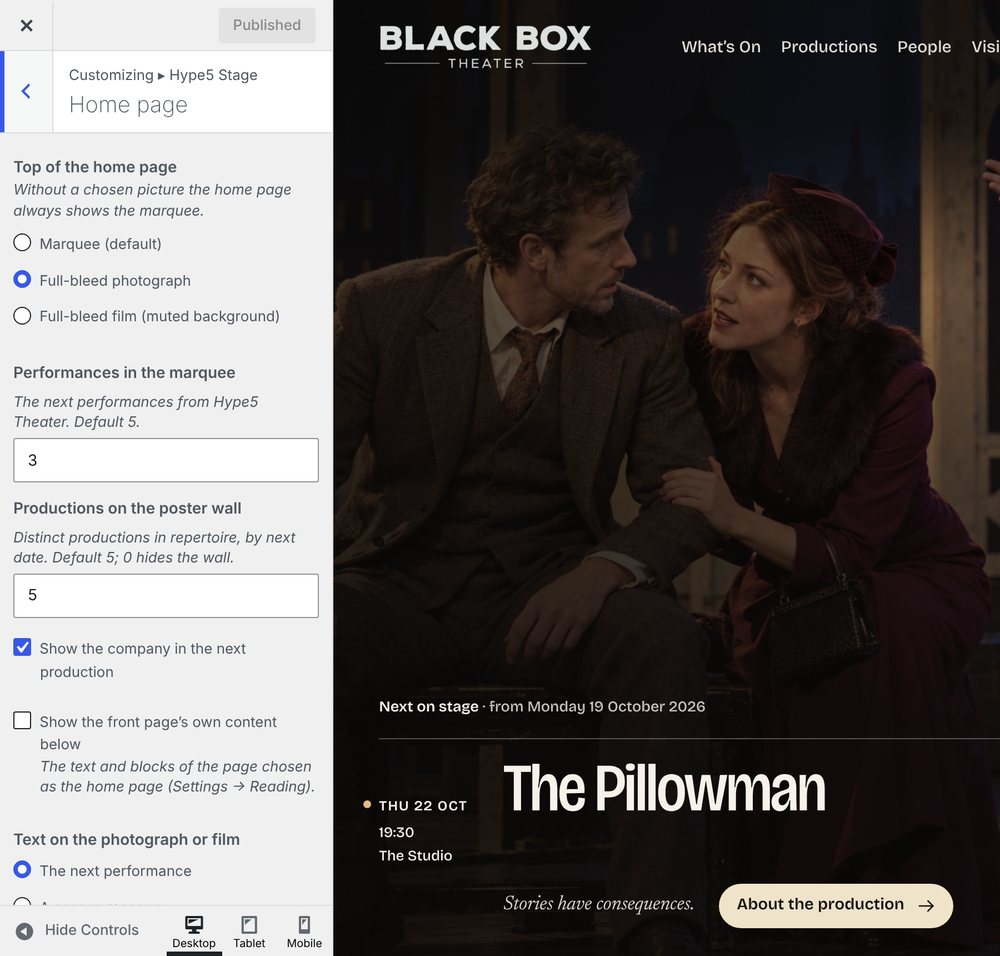
Home — the marquee over a photograph 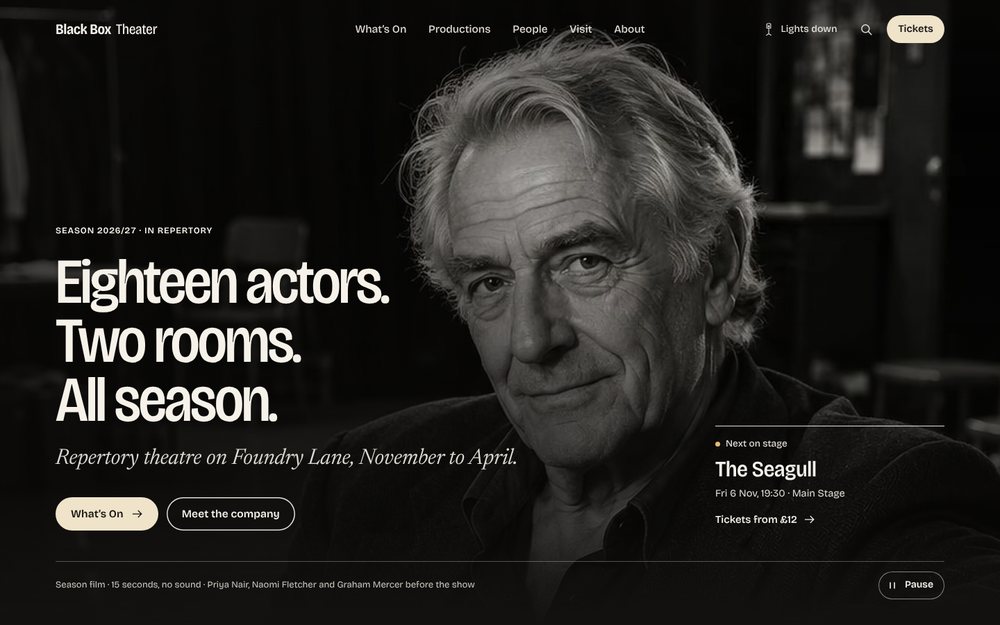 (full size)
Home — over a muted film, Lights down 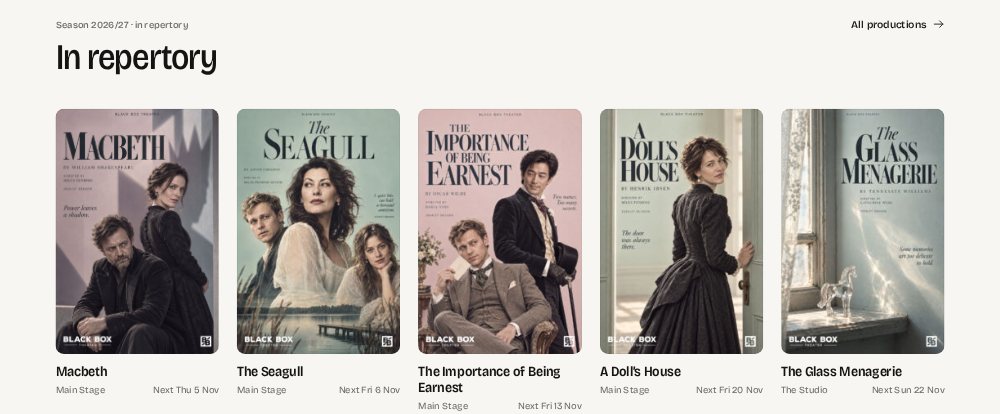 (full size)
Poster wall — the season at a glance 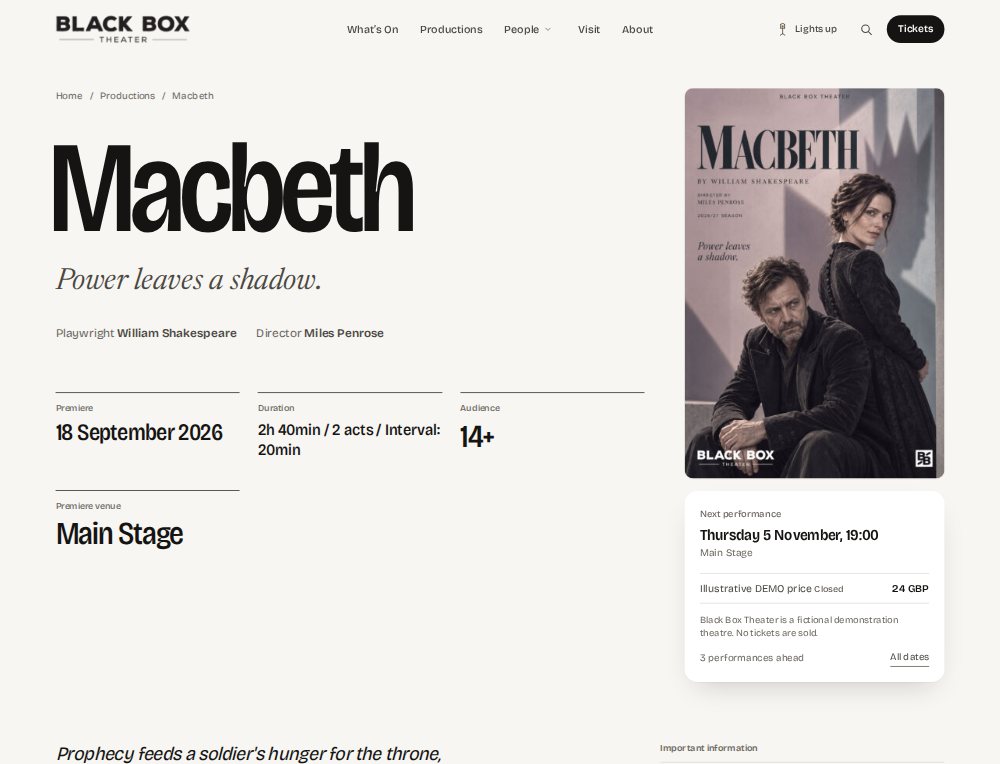 (full size)
Production page — Macbeth 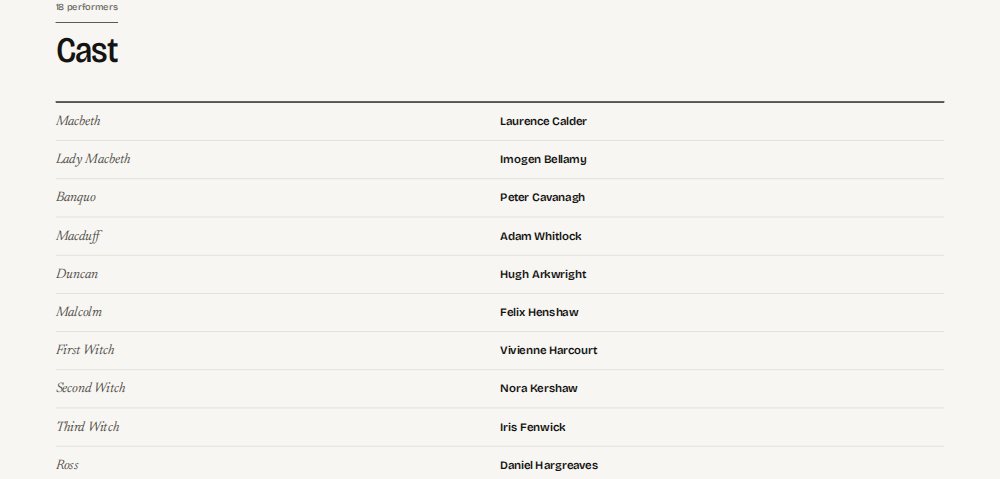 (full size)
Cast — each role with its performer 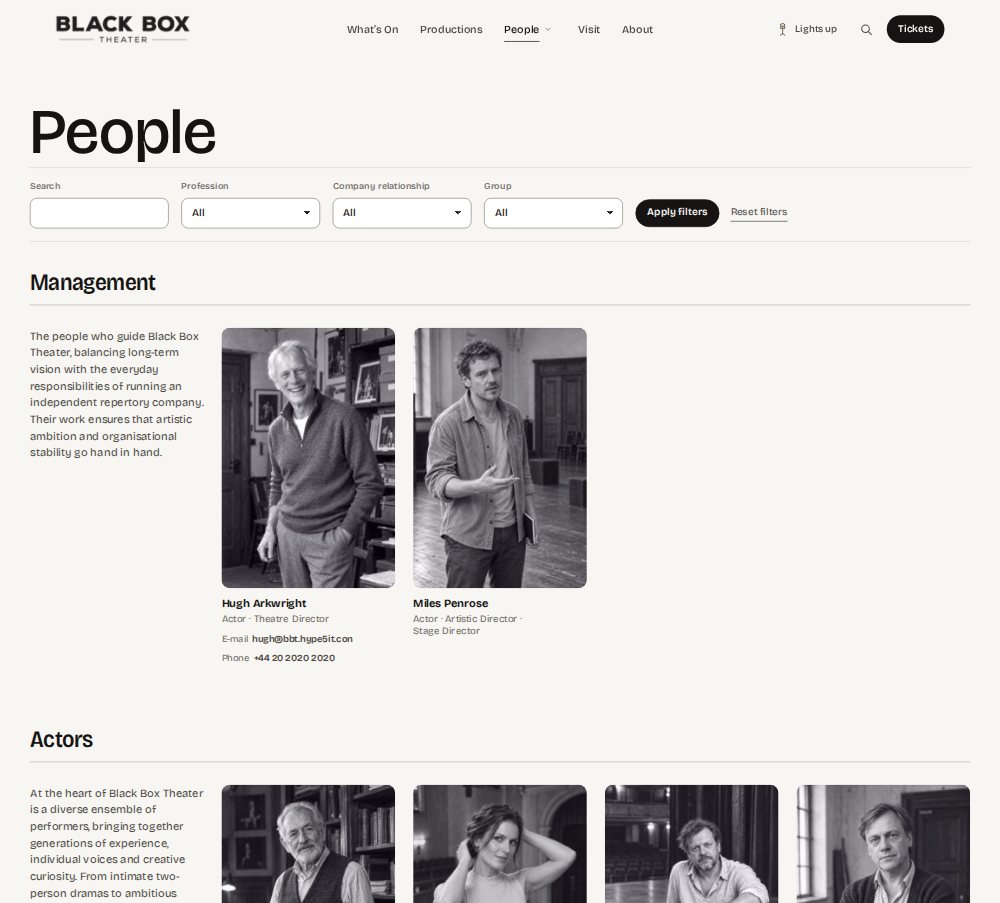 (full size)
People — the company in portraits 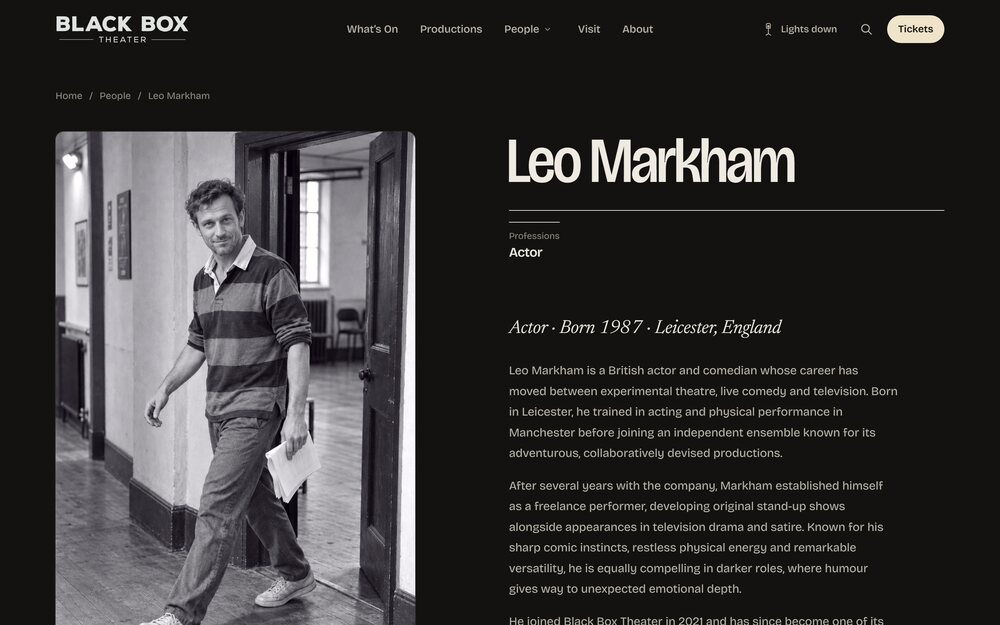 (full size)
Person page — portrait and biography 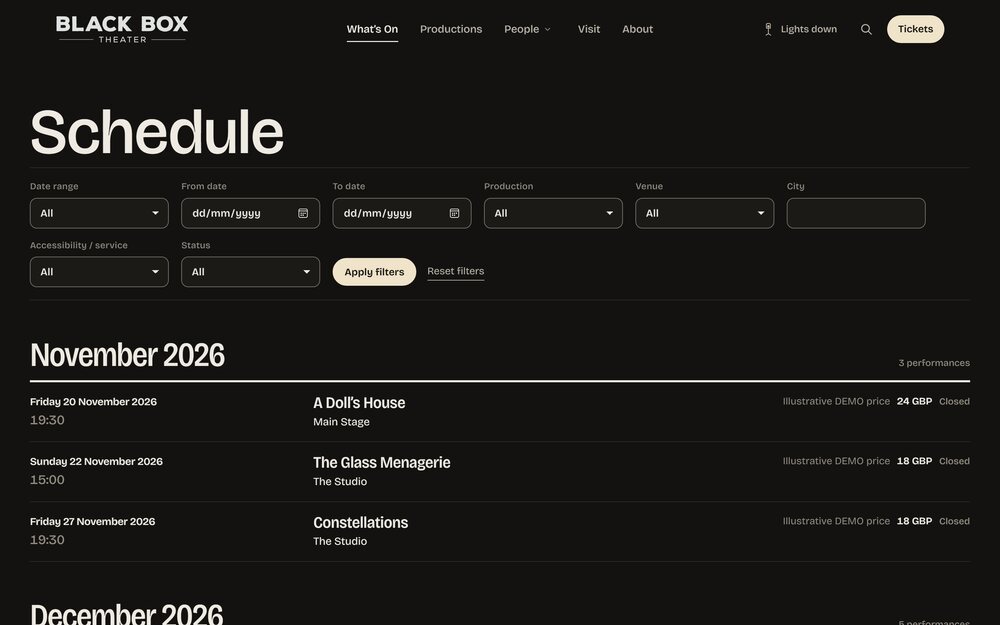 (full size)
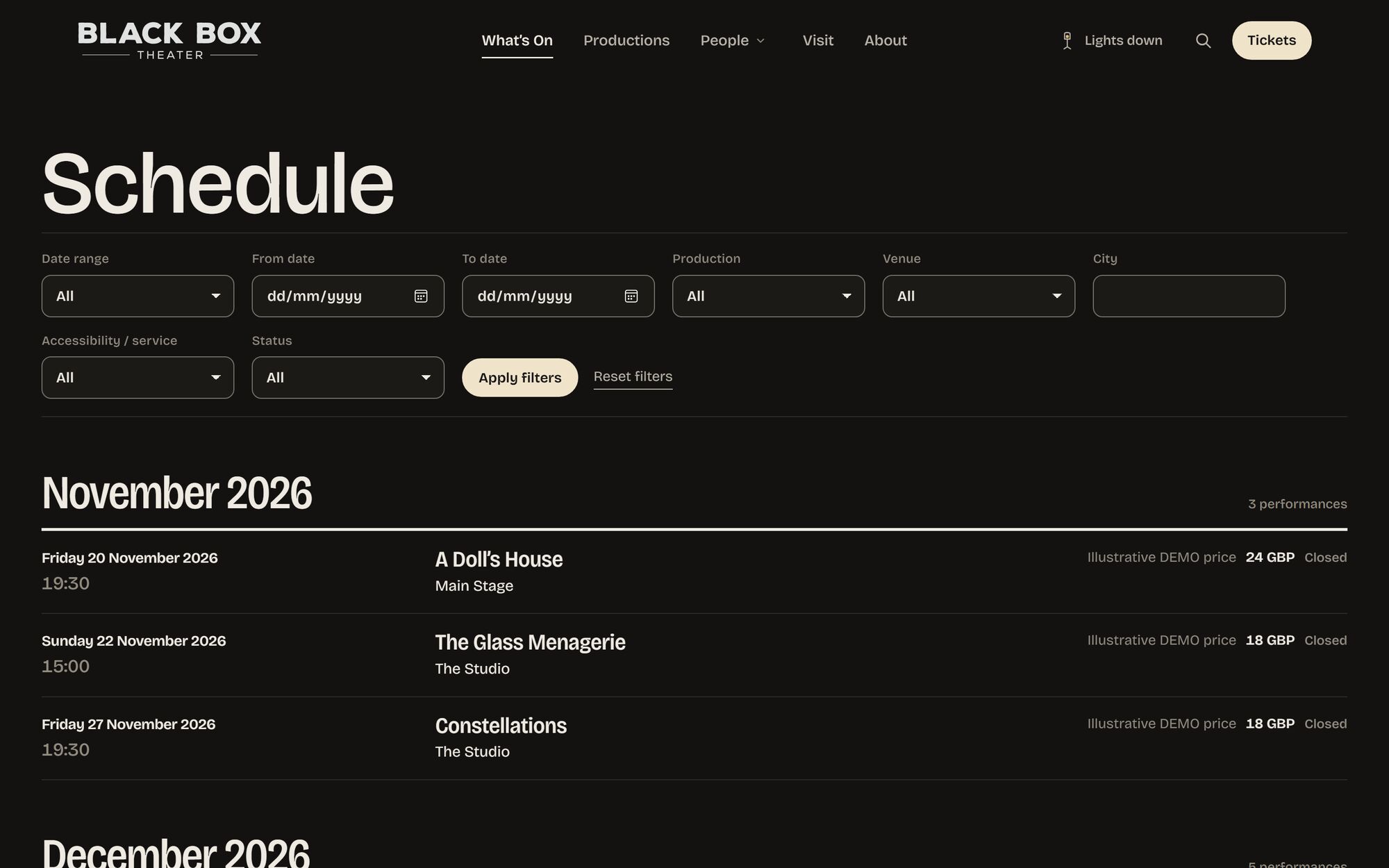
Schedule — performances by month 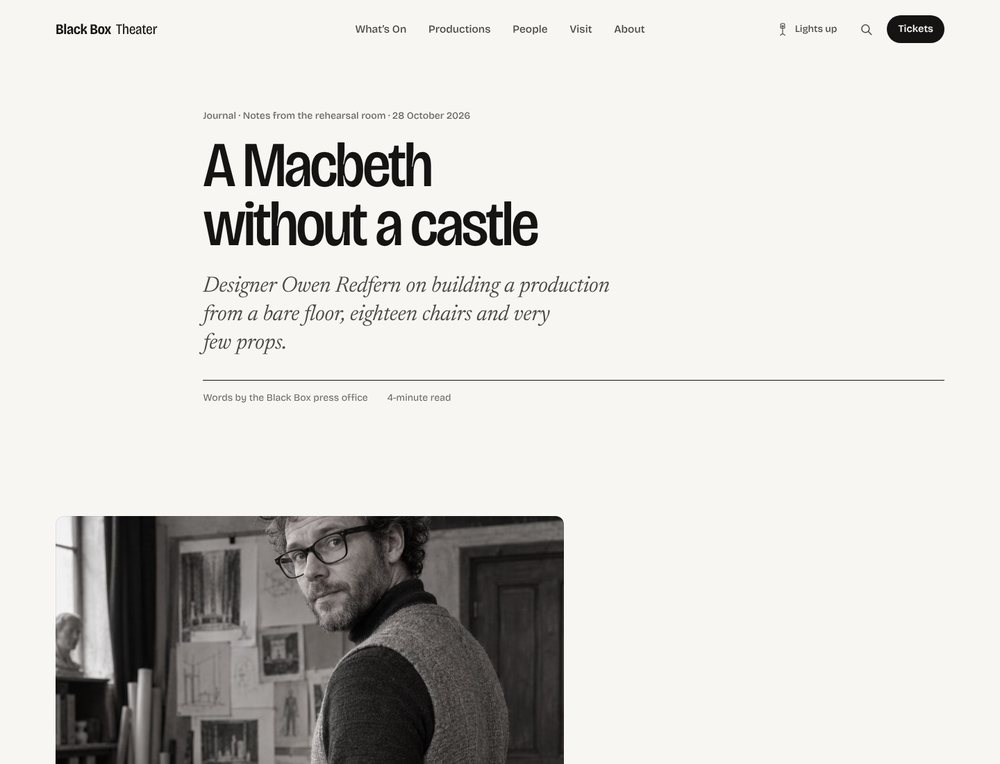 (full size)
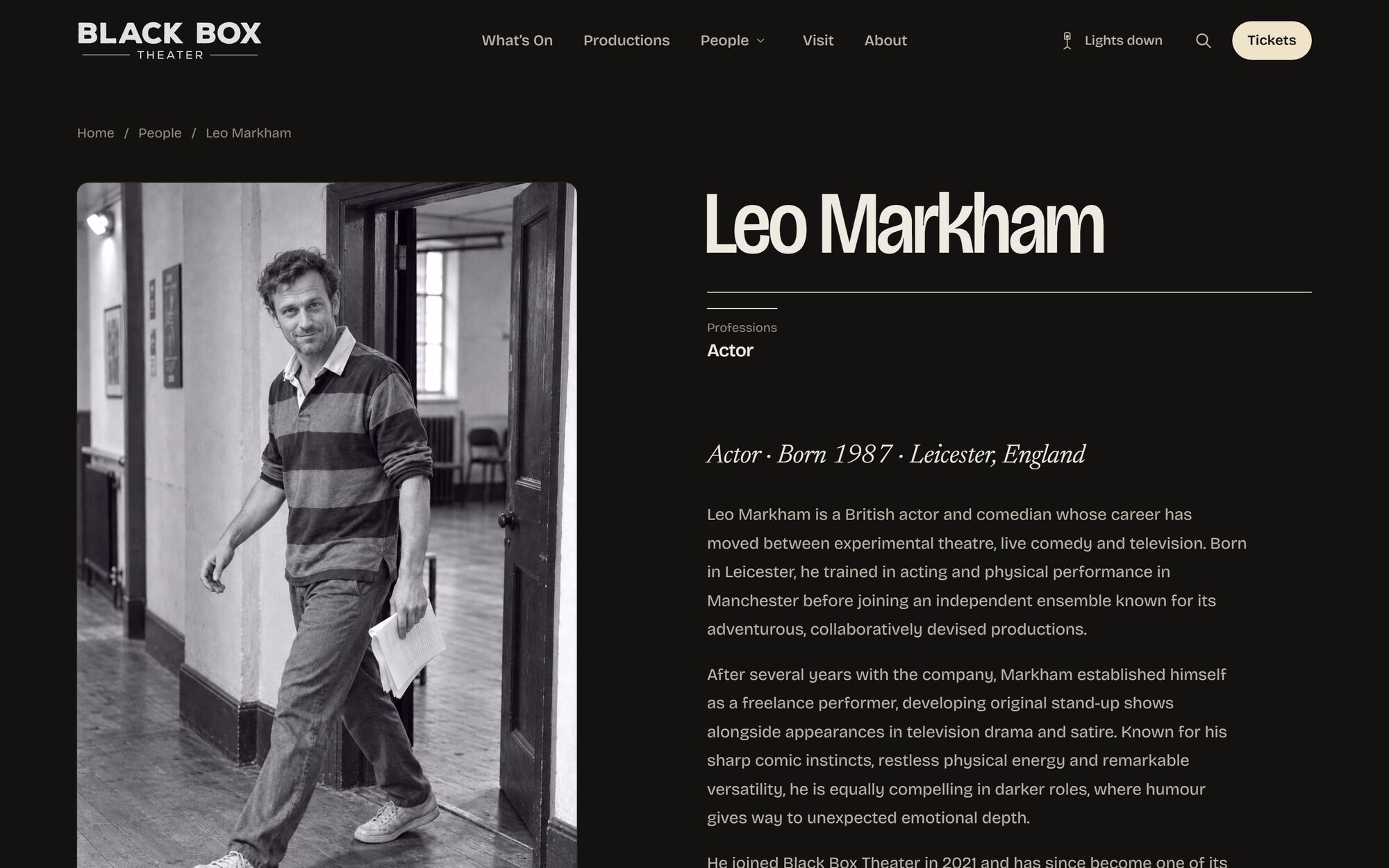
Journal — a plain WordPress post
No plugin required. No dependency in either direction.
Stage is a complete theme: pages, posts, archives, search, 404 and comments, with Classic Editor and block content. Use it for a company website with no theatre data at all, and add Hype5 Theater later — or never.
Logo, menu, a button, search, Lights.
The button is labelled “Tickets” by default and can be anything. A mobile menu, footer menus and widget columns are included.
Text, wide, full-bleed.
Text sits at content width; blocks can go wide or edge to edge. Images keep their natural proportions; portraits use 2:3 frames.
In the Customiser.
Appearance → Customise → Hype5 Stage: configure the home page composition and its available options. Consult the current documentation for the full settings list.
Four compositions. The marquee alone has three moods.
Choose in the Customiser. The marquee shows upcoming performances and season posters, optionally over a full-bleed photograph or a muted film; the company of the next production; a poster wall; or your own front-page content.
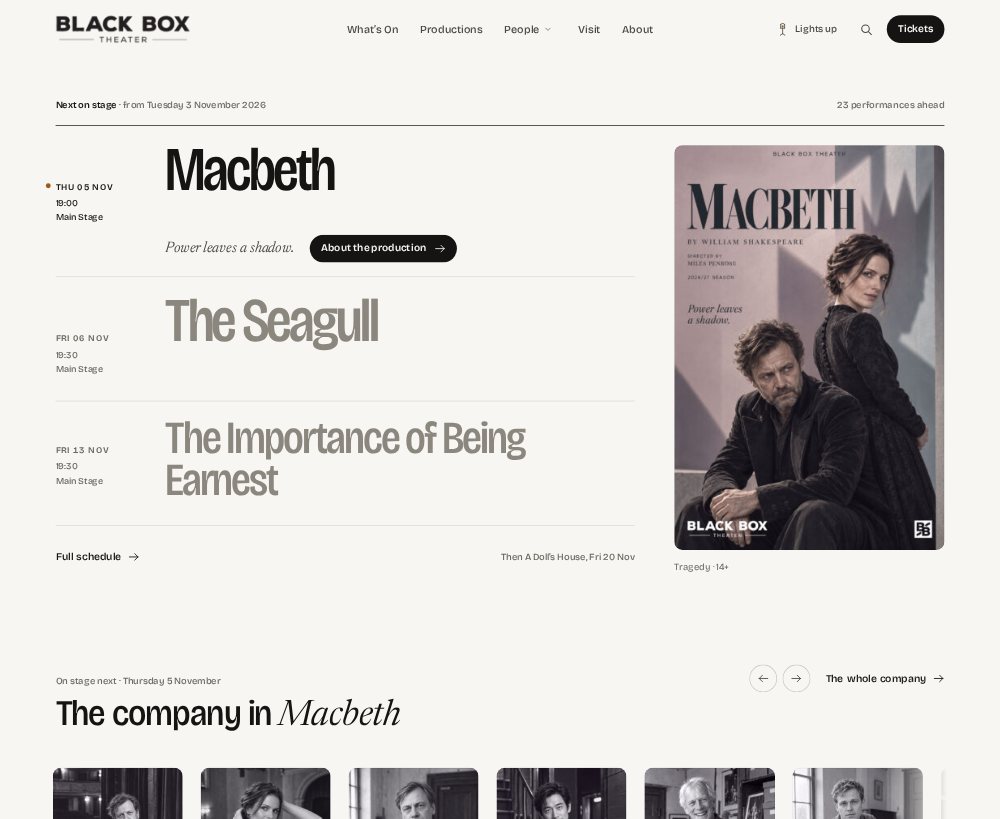
Lights up. Lights down. Or follow the system.
Visitors can switch; the choice is remembered. The same page, the same content, two moods — the house lights are part of the design.

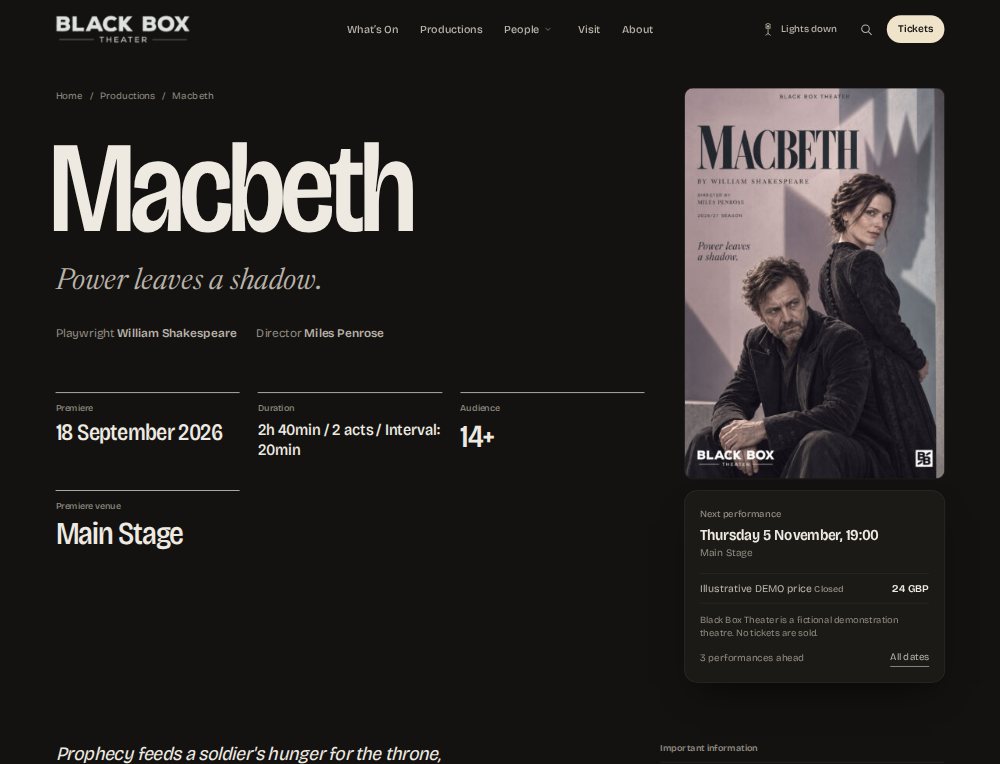
Programmes, people and the journal.
With Theater active, productions, people and venues get Stage’s templates. Posts and pages work either way — the journal below is a plain WordPress post.
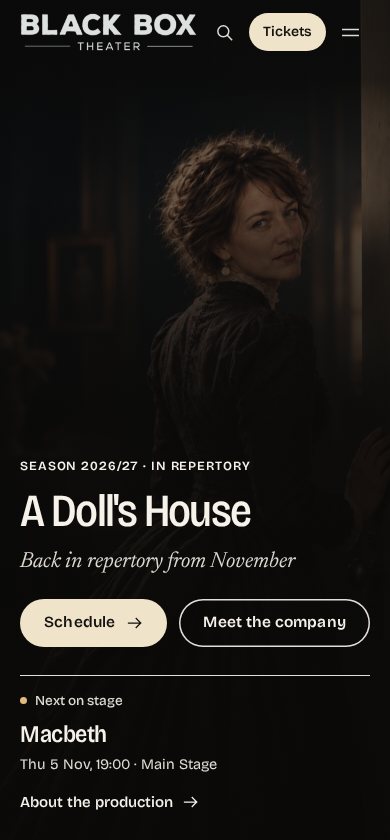
The same restraint at 390 pixels.
The marquee becomes a list, the film becomes a poster, the cast list keeps its leaders. Captured from the demo at 390px.
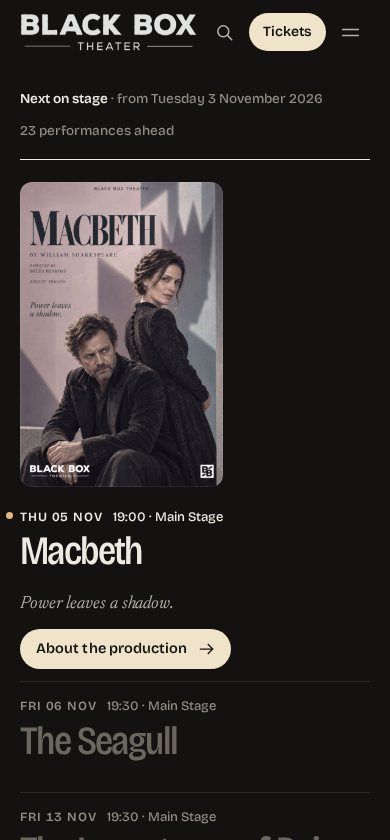
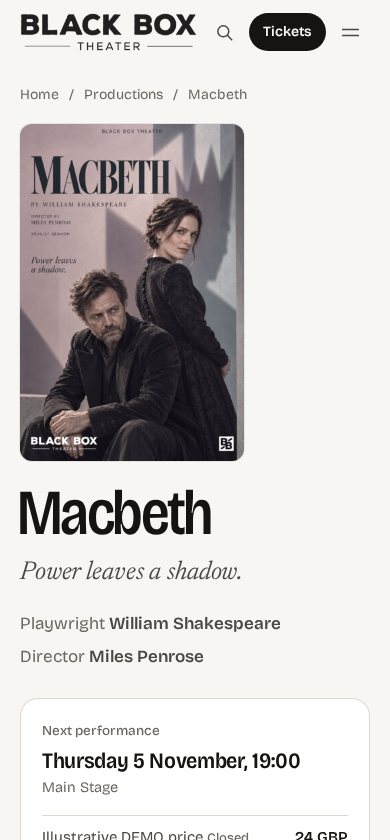
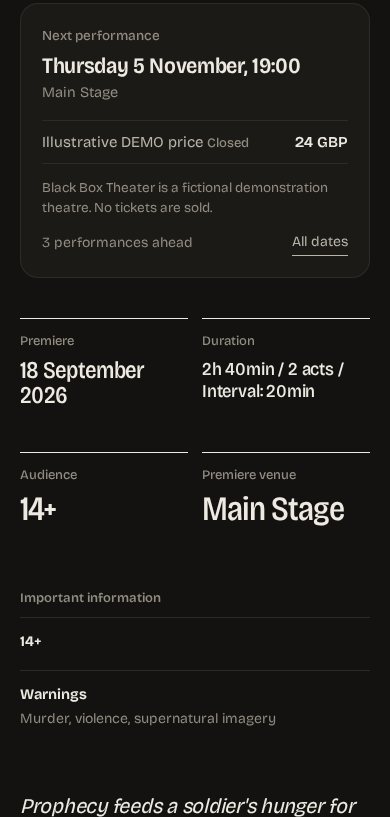
When the plugin is active, Stage presents it — and touches nothing.
Stage presents production, person, venue and schedule pages, plus the plugin’s lists, through Theater’s public contracts. Three rules make the combination safe.
No theatre data in the theme.
Stage stores nothing about productions and never writes to Theater’s options, meta or tables. Remove the theme and nothing is lost.
No ticket logic of its own.
A ticket button appears only for offers Theater marks as purchasable. Stage never builds a purchase link.
Visibility follows Theater.
Unpublished and private content stays hidden; lists show only productions public to everyone; a password-protected production opens only with the password.
In the Hype5 app · Appearance studio

The studio previews Stage’s templates — layout, header height, picture shade, alignment — before you save.
On the website · Hype5 Stage

The marquee reads the schedule — next on stage, then the rest of the week, with ticket buttons only where an offer is purchasable.
Set for posters and programmes.
What you need.
Ask about Hype5 — Theater, with Stage included.
Hype5 Stage is a technically independent WordPress theme included with Hype5 Theater and not sold separately. You can keep a compatible existing theme, or use Stage to present your productions, people and performances. Ask us about compatibility and the licence.
Plain answers.
More questions — about buying, support, updates and migration — are answered in Help: all questions.
Technically yes — it is a complete theme with no dependency in either direction. Commercially, Stage is included with Hype5 Theater and is not sold on its own.
Yes. Theater works with other compatible themes; Stage is one option for presenting it.
Stage ships with Bricolage Grotesque and Newsreader Italic and a near-monochrome palette with two schemes. Child themes and custom CSS work as in any WordPress theme; theme-level options beyond the documented ones are not promised here.
No. It shows a ticket button only for offers Theater marks as purchasable, linking to your seller.